
 Low Shipping
 Meesho Label crop
 Flipkart Label crop
 Amazon Label crop
 Myntra Label crop
 Snapdeal Label crop
 Jiomart Label crop
 Glowroad Label crop
 Limeroad Label crop
 Shop101 Label crop
 Shopdeck Label crop
 SIMSIM Label crop
 Citymall Label crop
 Amazon FBA Box Label crop
 Generate Amazon FBA sticker
 Merge PDF
 Split PDF
 Remove Pages
 Extract Pages
 PDF To Image
 PDF To Word
 PDF To Powerpoint
 PDF To Excel
 Rotate PDF
 Add Page Numbers to PDF
 Add WaterMark to PDF
 Protect PDFs
 Unlock PDFs
Flipkart Tool: Get OTC and breaching orders in one click
By Support Team | Published | Updated
This tool is useful for managing multiple accounts. We have identified two ways in which we can assist the Flipkart seller community. All sellers are concerned about order breaches and the repetitive daily task of obtaining the OTC for all accounts.
To address this and streamline the process with a single button click, we have utilised the official Flipkart API to retrieve the OTC and order count along with dispatch dates.
We have also integrated this tool with Telegram, enabling you to easily receive OTC and order count updates within your Telegram app, eliminating the need to log in elsewhere.
Please read the full article to cover Integration and Troubleshooting.
1. How to Link Flipkart Account
• Open the Flipkart tool by clicking here
• Click on + Icon as shown in image
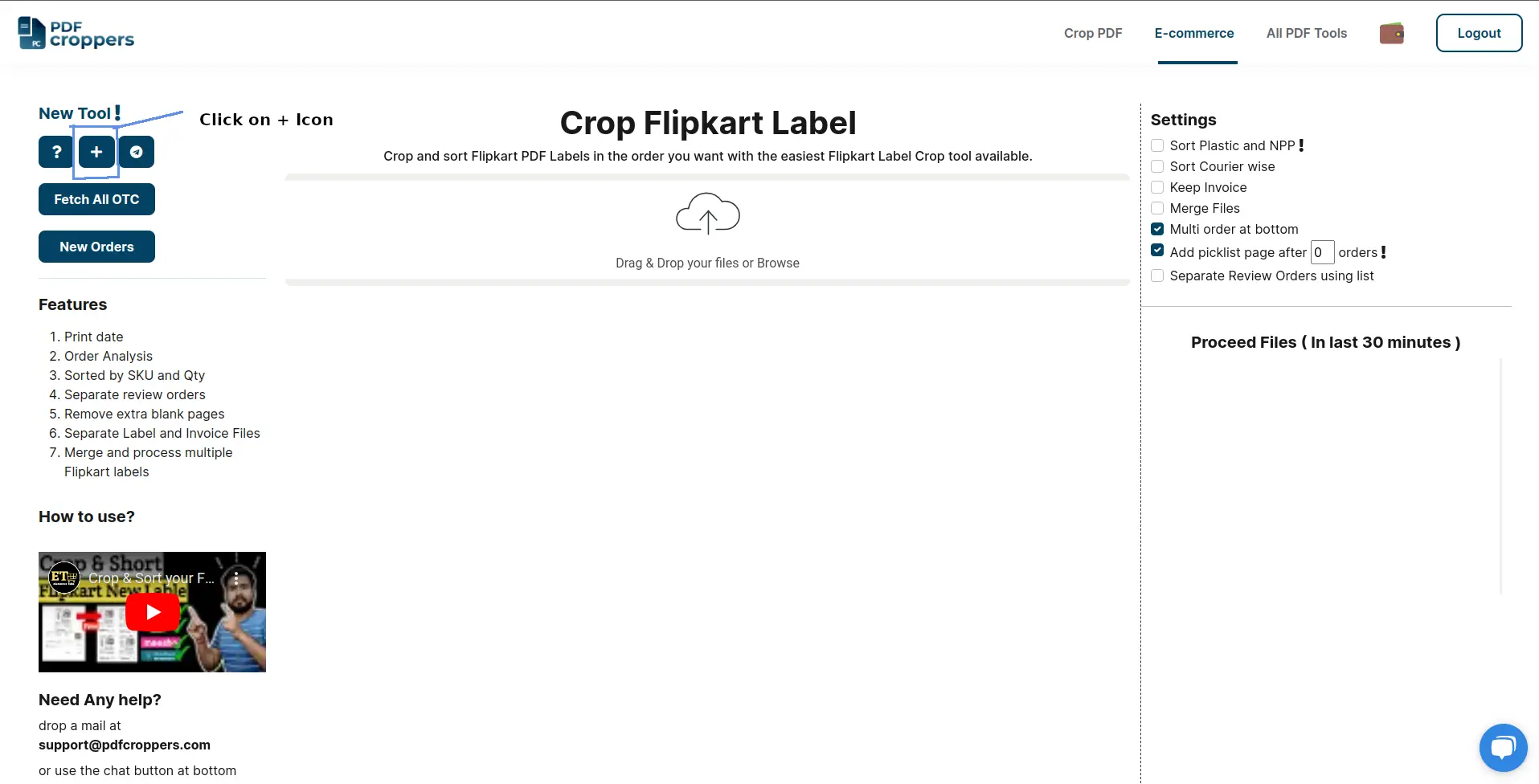
• Once you click that button, you will see the flipkart permission page. Login into Flipkart permission panel using your seller account id, password
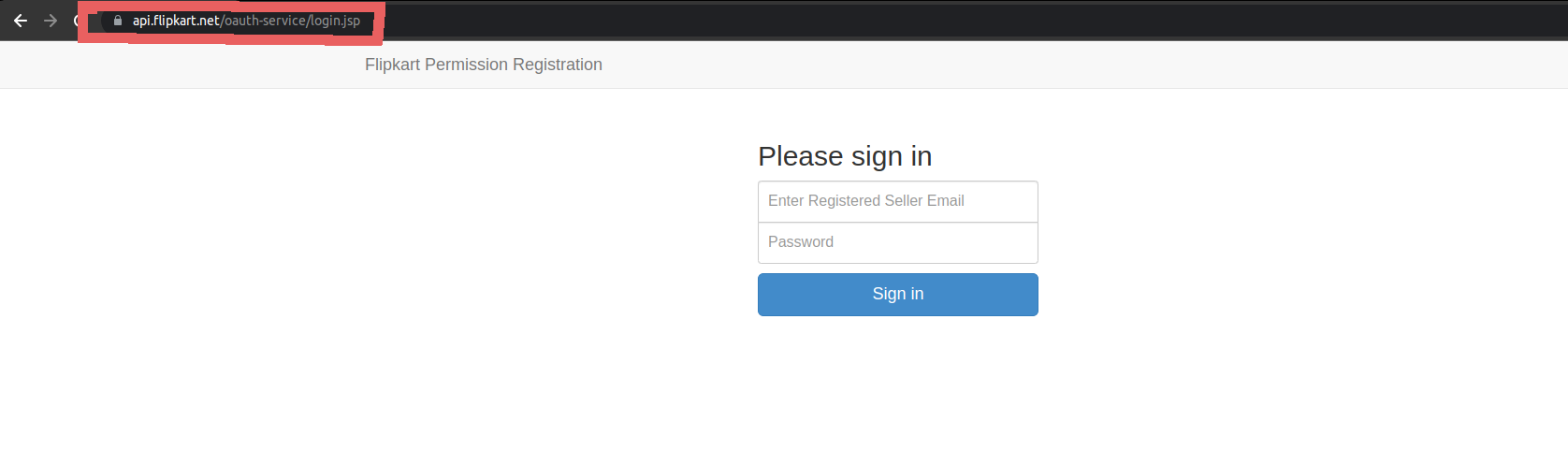
Note: Please make sure that you are at official permission page: api.flipkart.net
• Once you login you will see the permission page, click on Allow button.

• That's it and you are ready to use web feature of OTC and breaching order status.
• You can add as many of account you want using this process.
Notes:
- To add multiple account kindly use incognito [ press Ctrl + shift + n ] and repeat following steps | private browser in firefox [ press Ctrl + shift + p ]
- Open incognito browser
- Login into to your gmail account which is linked with PDFCroppers.com
- Login into PDFCroppers
- Link Flipkart account
- Close incognito browser
2. Setup Telegram
To connect with Telegram bot search for F_OTC_bot or open this link https://t.me/F_OTC_bot
Click the start button ( at bottom ) 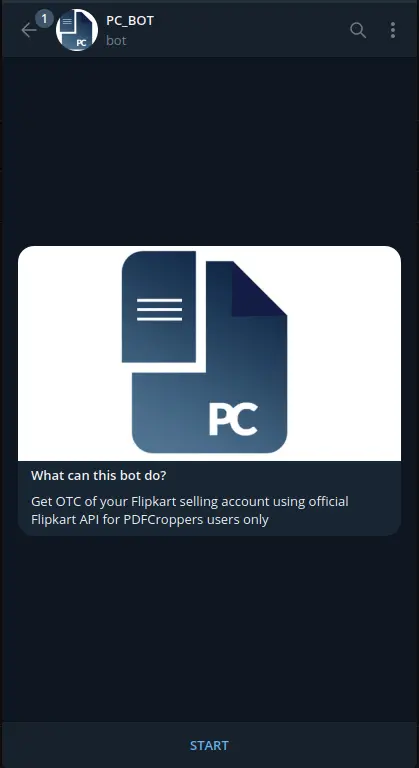
on start button click you will receive chat id ( copy that chat id )
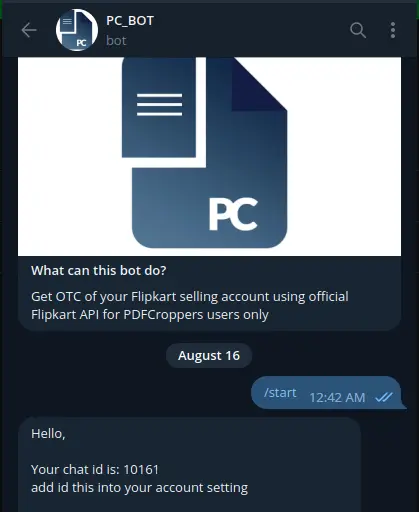
Open PDFCroppers Flipkart tool and click on telegram button
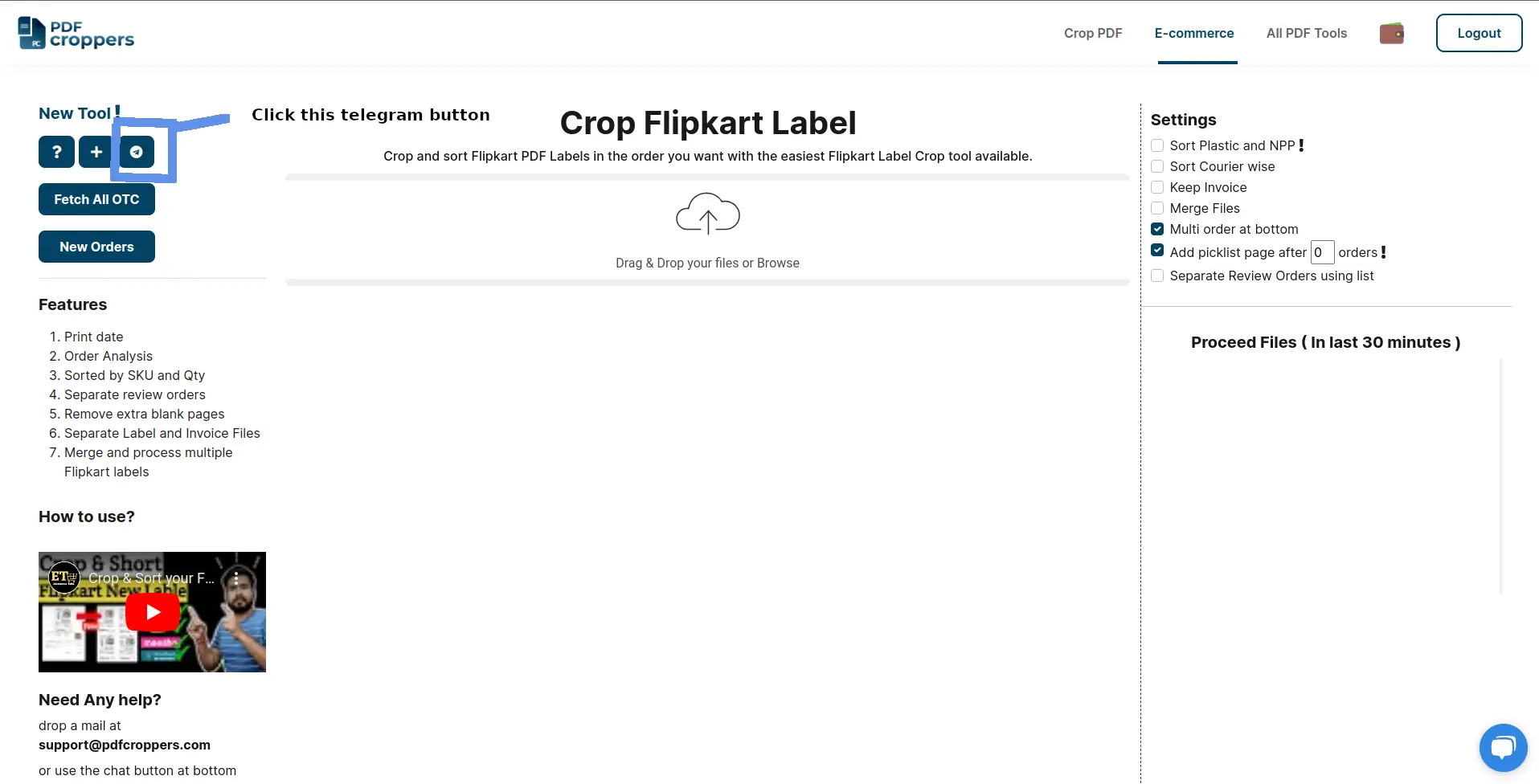
once you click on telegram button, you will see below window will get open ( add that chat Id from telegram to here in Enter Chat Id box ) and then press ok button.
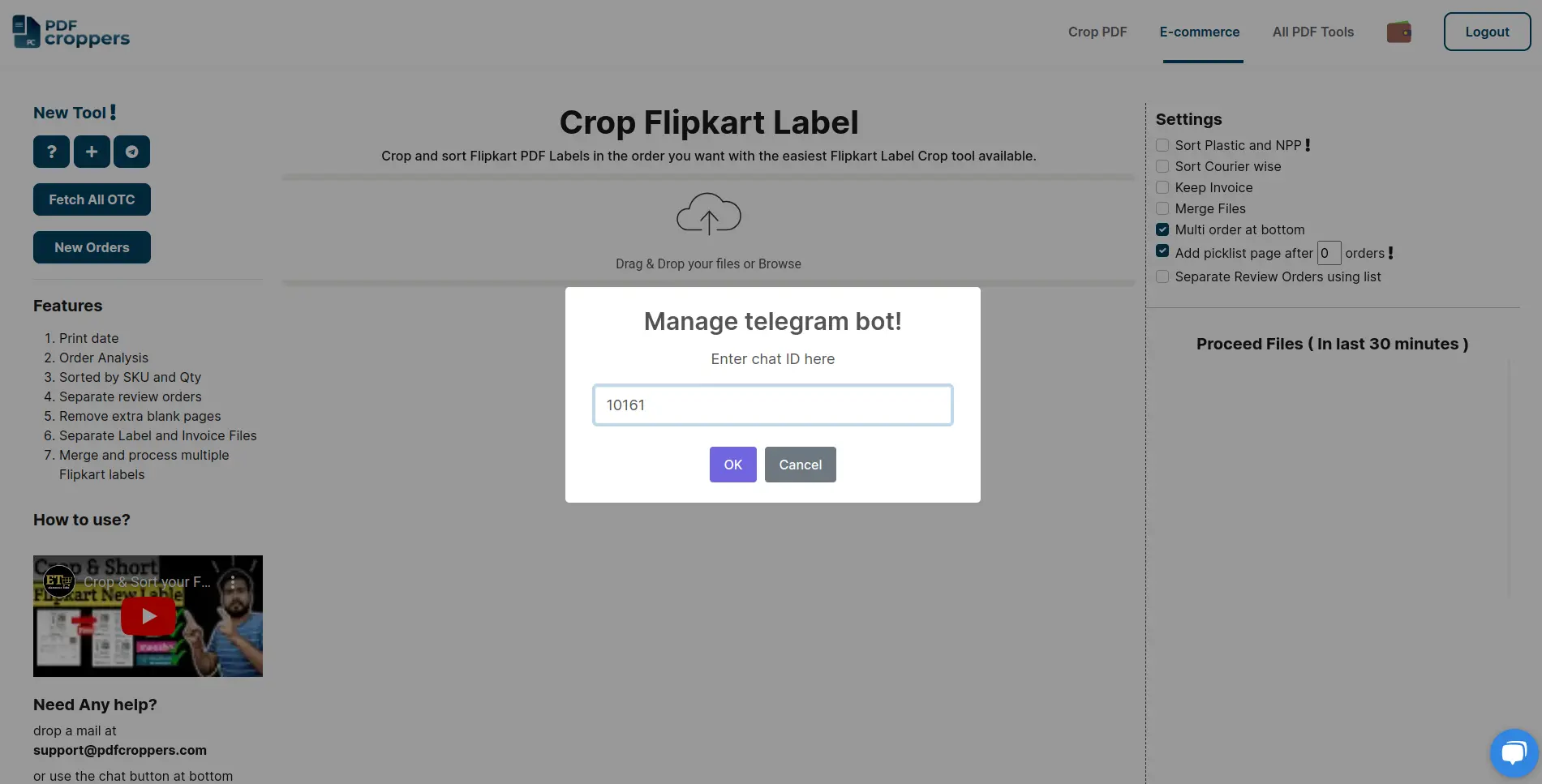
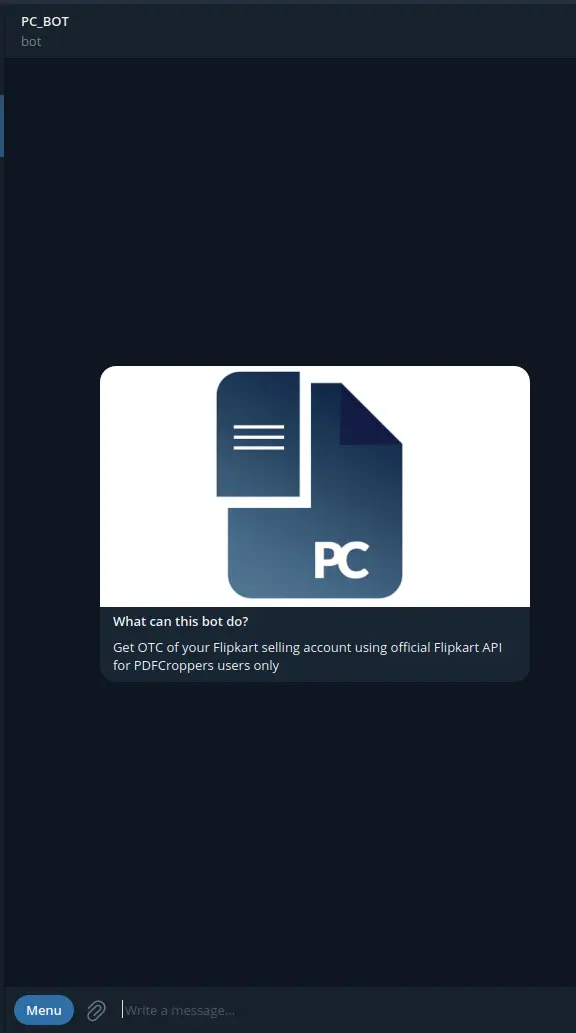
now you can use telegram to fetch OTC and New order list by click on the menu button options( at bottom left )
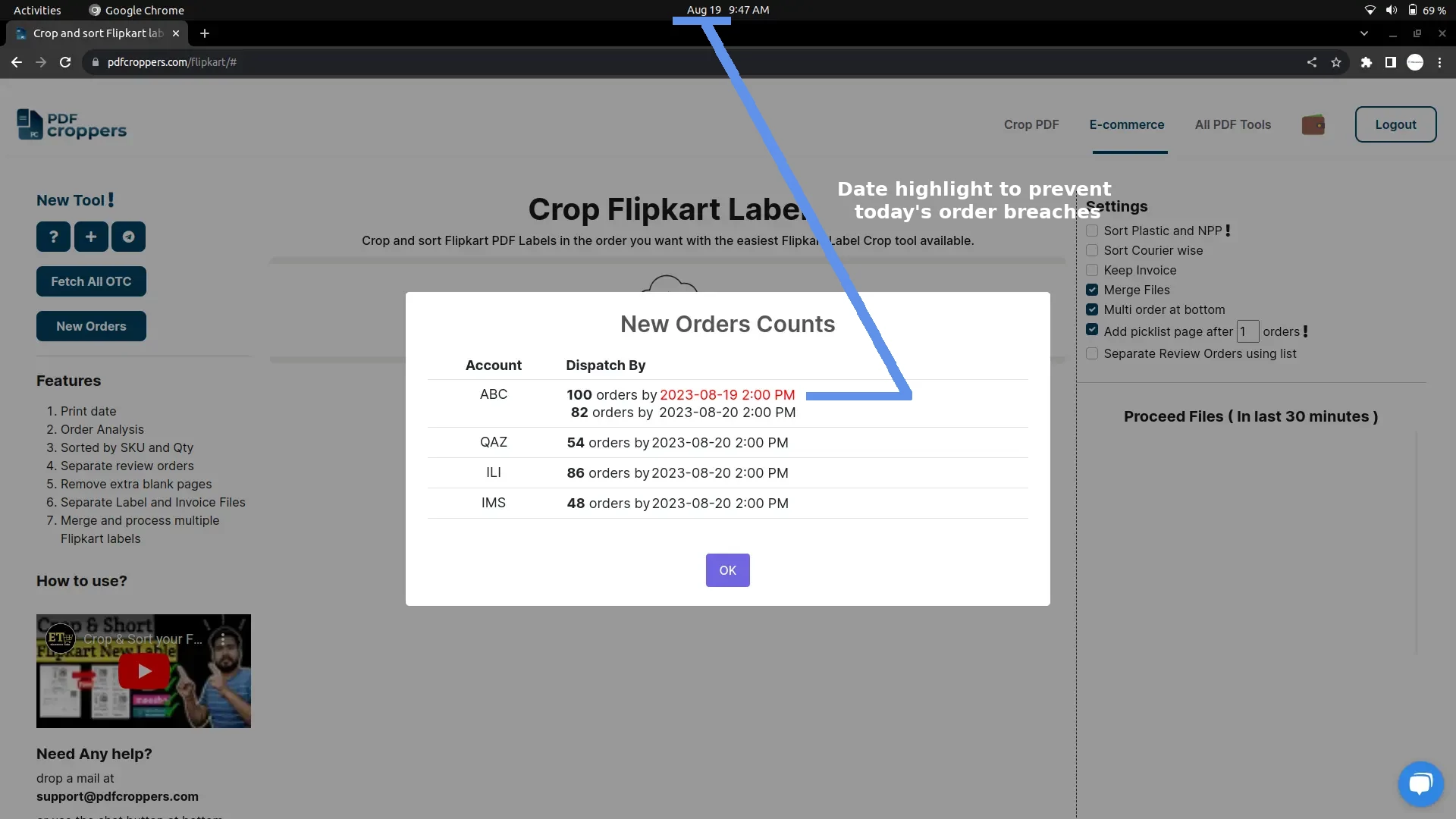
To fetch order count dispatch date wise follow this step:
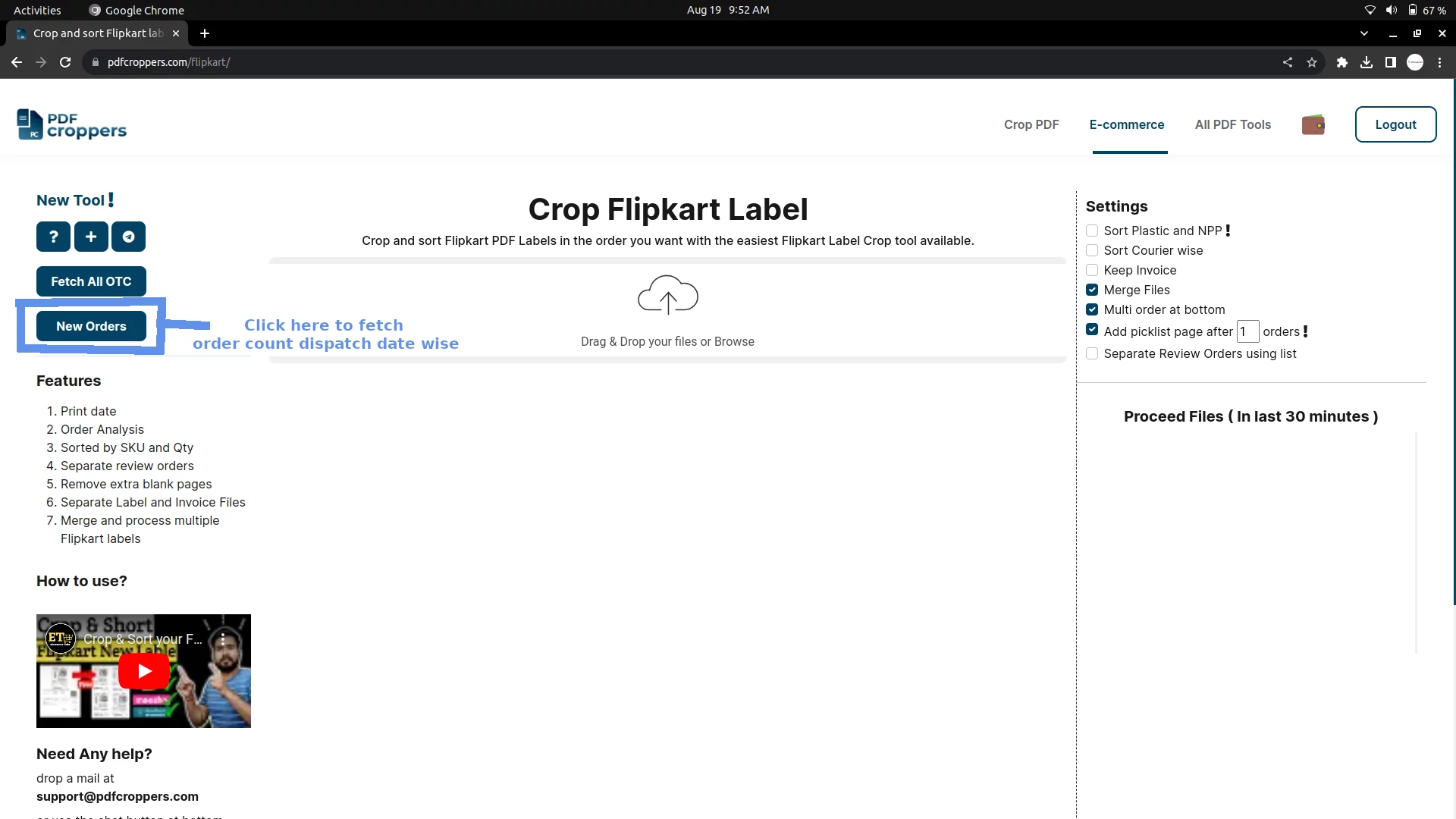
and you will see below popup
NOTE: We are using official Flipkart API to integrate with our website, we do not aks, collect, or store for any information except access token generated via Flipkart. we did not require your Flipkart ID - password and we will never ask for it.